
CRM Data Migration Checklist: Moving to HubSpot, Salesforce, or GoHighLevel Safely
A practical CRM migration checklist covering data audit, deduplication, field mapping, associations, test imports, cutover, integrations, validation, rollback, and post-launch cleanup.
Published by Mahir Web
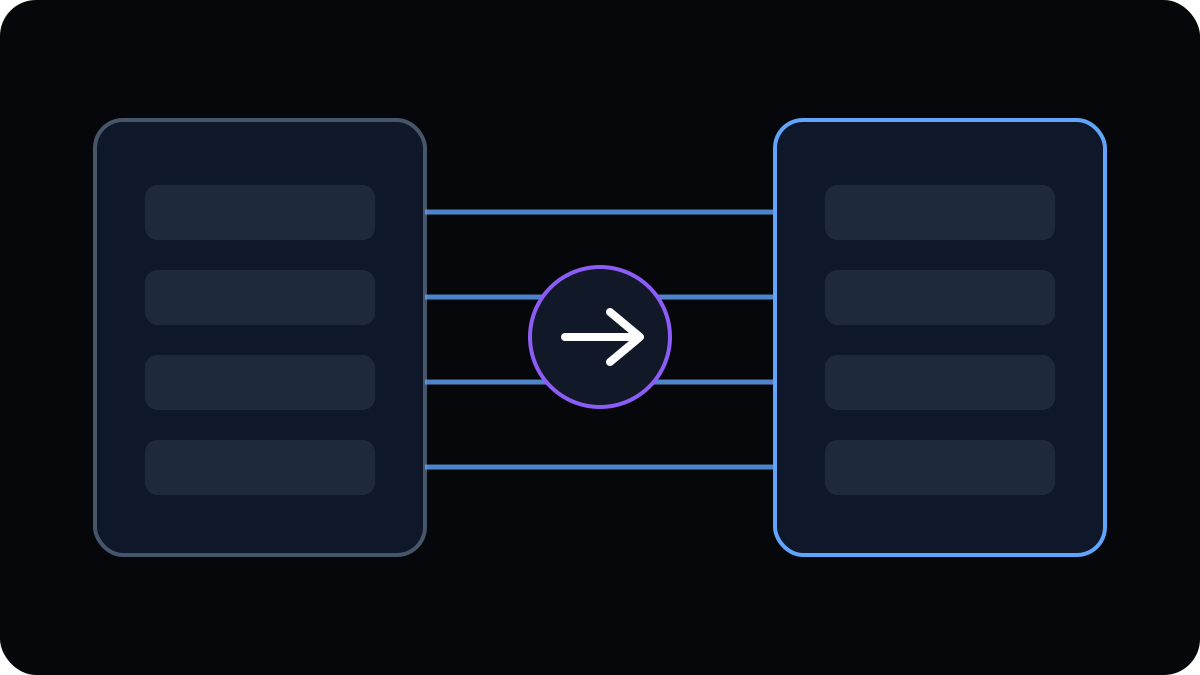
A CRM migration is not simply an export followed by an import. Customer records are connected to owners, companies, deals, activities, lifecycle stages, automations, forms, integrations, and reporting. Moving the data without preserving those relationships can create a technically successful import and an operationally broken CRM.
Audit the source CRM
Inventory objects, fields, record counts, custom properties, pipelines, owners, activities, attachments, forms, integrations, workflows, reports, and permissions. Identify what is still used and what should not be carried into the new system.
Clean data before migration
Normalize emails, phones, country values, dates, picklists, company names, and ownership. Decide how stale records and incomplete contacts should be handled. Cleaning after migration is harder once automation begins acting on the imported data.
Define duplicate and survivorship rules
Choose how duplicate contacts, companies, deals, or accounts are recognized and which record wins when values conflict. Keep a documented rule rather than relying on manual judgment during a large import.
Map fields and relationships
Create a source-to-destination mapping for every required property. Include object associations such as contact-to-company, deal-to-company, parent-child accounts, subscriptions, or external-system IDs.
Prepare destination configuration first
Create required custom fields, pipelines, lifecycle stages, users, permissions, and controlled picklist values before importing records. The target system should be ready to receive the intended structure.
Run a representative test migration
Use records that include normal cases and difficult ones: multiple deals, merged companies, missing data, unusual ownership, historical activities, and integration identifiers. Validate the result with the people who will actually use the CRM.
Plan the cutover window
Decide when the old CRM stops accepting changes, how final delta records are captured, when integrations switch endpoints, and who is responsible for the go-live decision.
Validate more than record counts
- Field values
- Associations
- Owners and permissions
- Lifecycle stages and pipelines
- Forms and lead routing
- APIs and webhooks
- Automations
- Dashboards and attribution
Keep a recovery plan
Retain source exports and migration logs. Know how to identify records created after cutover and how to reverse or correct a failed transformation without duplicating the full database.
Mahir Web LLC handles CRM migrations and integrations with field mapping, deduplication, APIs, webhooks, workflow automation, validation, and staged rollout designed around data integrity and operational continuity.
Related service
CRM & System Integrations
Explore CRM migrations, field mapping, deduplication, APIs, webhooks, workflow automation, and reporting.
Common questions
Frequently asked questions
Direct answers to the questions companies most often ask about this topic.
What should be cleaned before a CRM migration?
Duplicates, invalid emails, stale records, inconsistent picklists, broken ownership, malformed phone numbers, obsolete fields, and unclear company-contact associations should be reviewed before migration.
Should a CRM migration be tested before the final import?
Yes. Use a representative sample or sandbox where available to validate field mapping, record associations, ownership, lifecycle stages, automations, and reporting before full cutover.
How do you avoid duplicates during CRM migration?
Define unique identifiers and survivorship rules before import. Matching may use normalized email, external IDs, company domains, account IDs, or carefully designed composite keys depending on the object.
What should be checked after CRM cutover?
Validate record counts, field values, associations, owners, permissions, forms, integrations, workflows, reporting, attribution, email sync, and any systems that read or write CRM data.
Planning something complex?
Discuss the project with Mahir Web.
Share the business problem, current systems, scope, timeline, and what success needs to look like. We’ll review the requirements and determine the right technical approach.
Start a projectTopics
Related insights

CRM Integration Strategy: How to Connect HubSpot, Salesforce, or GoHighLevel Without Creating a Data Mess
A practical CRM integration guide covering system ownership, field mapping, deduplication, lifecycle stages, APIs, webhooks, automation, sync direction, error handling, and reporting.

HubSpot vs Salesforce vs GoHighLevel: Which CRM Fits a Growing Company?
A business-focused comparison of HubSpot, Salesforce, and GoHighLevel for growing companies evaluating CRM complexity, sales processes, marketing automation, customization, and operational fit.